
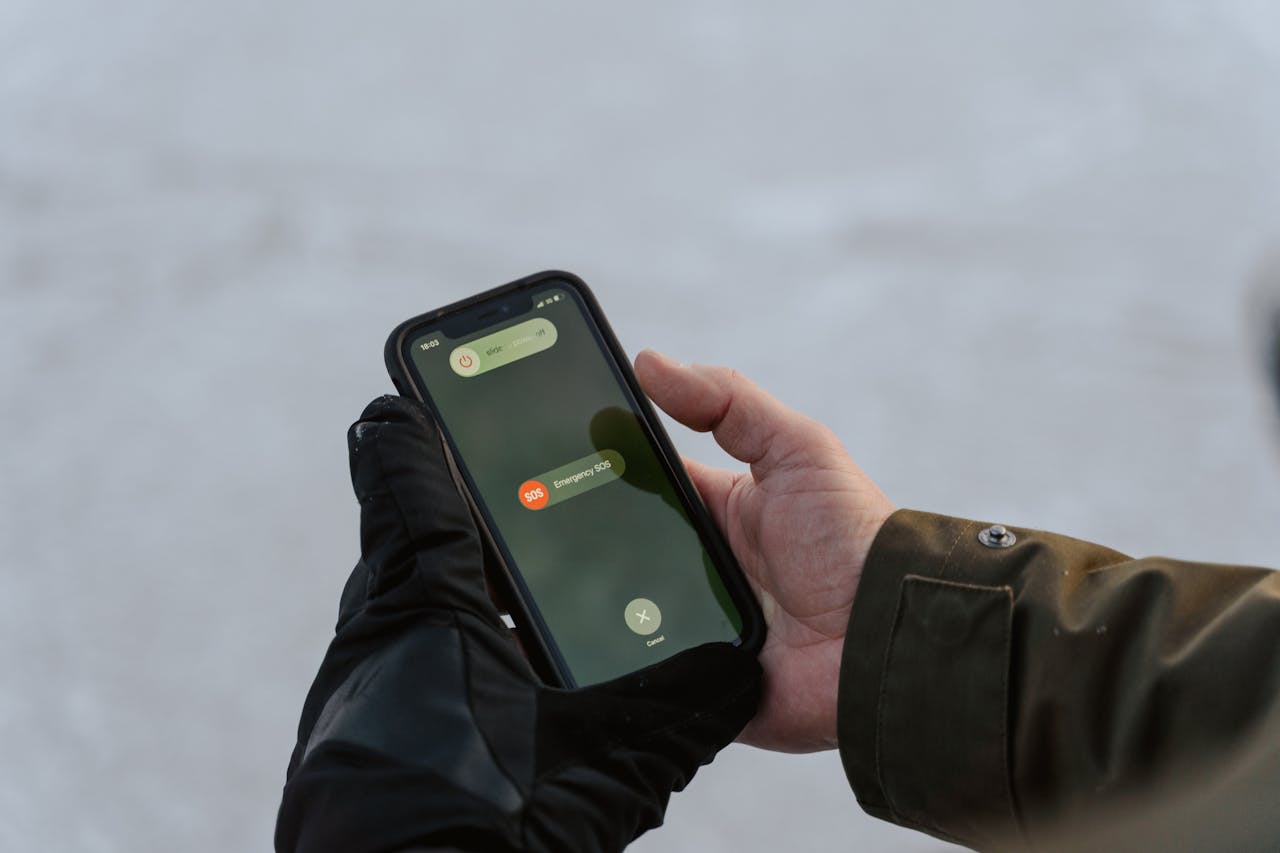
The UK Government are testing the UK’s Emergency Alerts system on Sunday 7 September at 3pm.
Emergency alerts contain life-saving information and should be kept switched on for your own safety. You can opt out of emergency alerts. For example, victims of domestic abuse with a concealed phone may find it appropriate to turn off alerts. How you opt out depends on your device, if you still get alerts after opting out, contact your device manufacturer for help.
iPhone
To opt out:
- Go to your settings and select the ‘notifications’ menu.
- Scroll to the bottom.
- Turn off ‘severe alerts’ and ‘extreme alerts’.
Android phones
To opt out:
- Search your settings for ‘emergency alerts’.
- Turn off ‘severe alerts’ and ‘extreme alerts’.
For more details, see the UK Government site.